

No Figma Design AI

Stop drawing products. Build the real thing.

Learn to design in the product itself, with a design system, AI agents and GitHub. No Figma, and you never have to write the code.

    StudentI've used Figma for six years. It's how I think.
    ProfessorIf I showed you a beautiful drawing of a cake, could you tell me whether it tastes good?

    A picture can't tell you if the product works

    A design gets rebuilt as pictures, then again as code, and something is lost each time. Work in the real product and there's nothing to translate.

    Traditional design in Figma

    • You draw every screen and state by hand
    • Prototypes only imitate how the product behaves
    • Placeholder content hides the messy cases
    • Developers rebuild your work, and details get lost
    • The design file and live product drift apart
    • Problems surface late, when changes cost the most
    Designing in the product

    • You describe the idea, and AI builds the first version
    • Clicks, forms, loading and errors really work
    • You test with real content on every screen size
    • You hand off real code, not pictures to rebuild
    • One design system keeps every screen in sync
    • You catch problems early, while they're cheap to fix

    From first doubt to production

    One path, in order. Every lesson is a short conversation between a skeptical designer and a patient professor.

    Keep the tools you learn with

    Install a ready-made design team and UI library into your own projects, then teach them your rules.

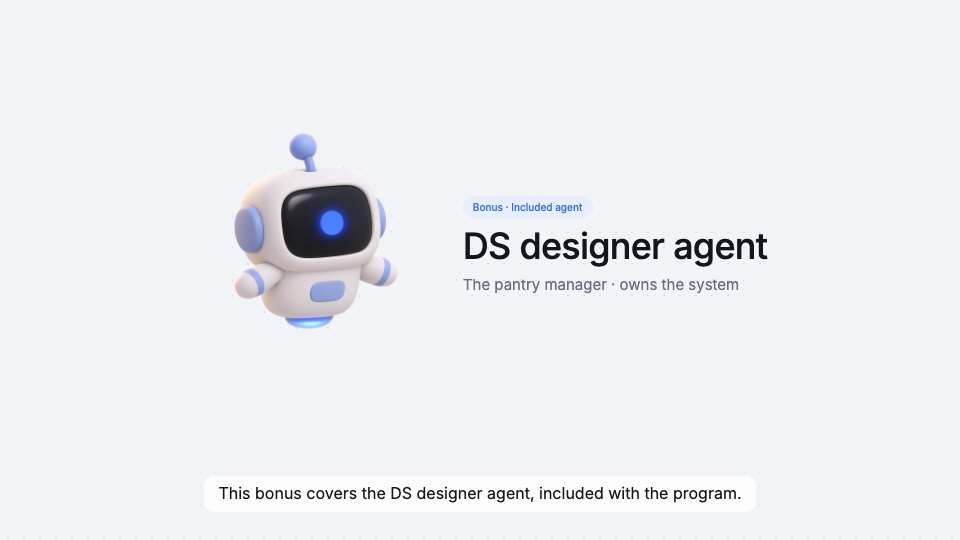
    DS designer agent

    Looks after your tokens, components and design system rules.

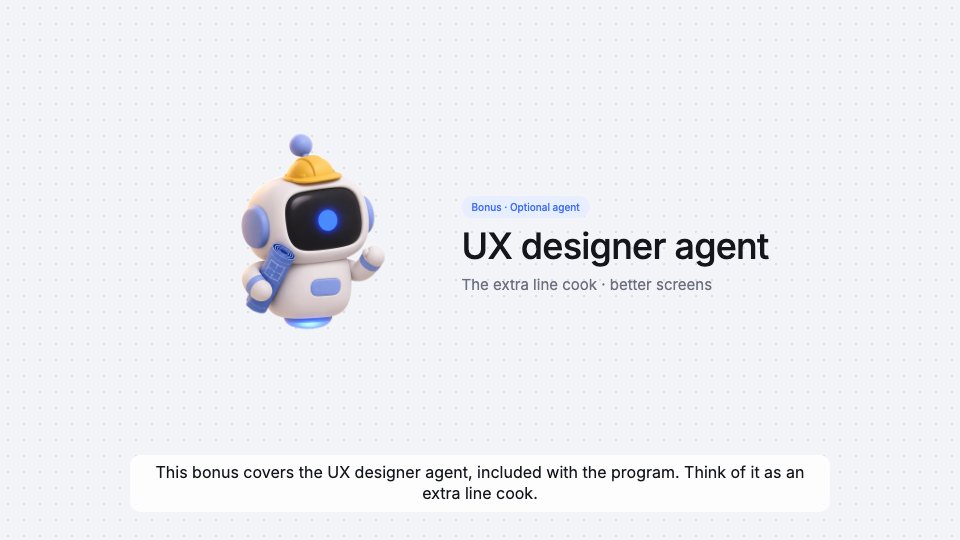
    UX designer agent

    Turns a spec into flows, screens and every state they need.

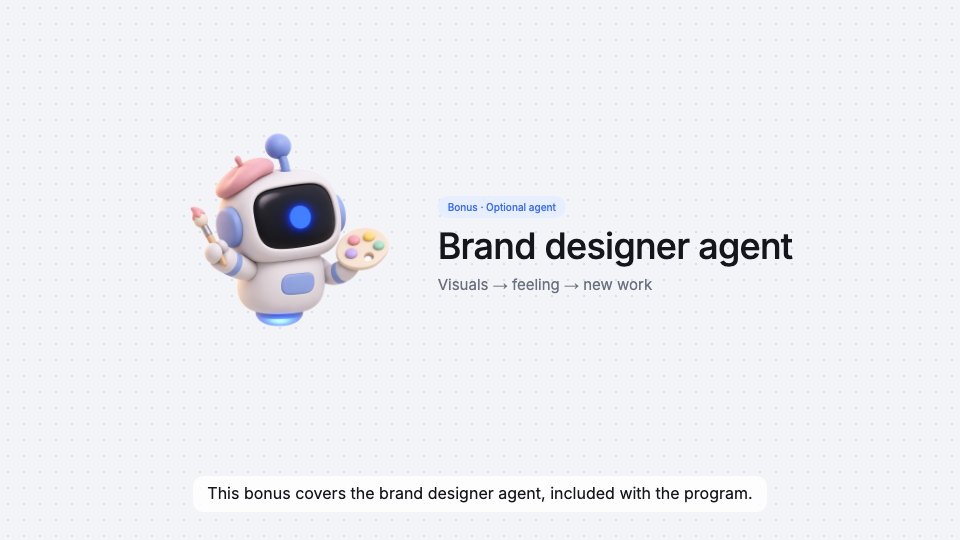
    Brand designer agent

    Reads a brand's visual language and applies it to your theme.

    UI library + design tokens

    Essential components and patterns, light and dark themes, plus contrast and token checks.

    Pay once. Start with what you need.

    Module 0 is free with an account. Choose a plan whenever you're ready.

    Questions

    Do I need to know how to code?

    No. You ask Claude to build, then review and approve the result. You'll learn to run a few commands and read just enough to direct the work.

    What do I need to follow along?

    Claude Code and a GitHub account. The course walks you through setting up both.

    What can I watch for free?

    Create a free account to watch Module 0. The other lessons come with the video course or Full access.

    Is this a subscription?

    No. Every plan is a one-time payment.

    Your next design can be the real thing.

    Watch Module 0 free